Turn your PDF menu into a restaurant website
Upload the menu you already have. Snazzlo reads every section, dish and price, builds a site that looks like your place, and publishes it.
Upload and startFree to start. No credit card.
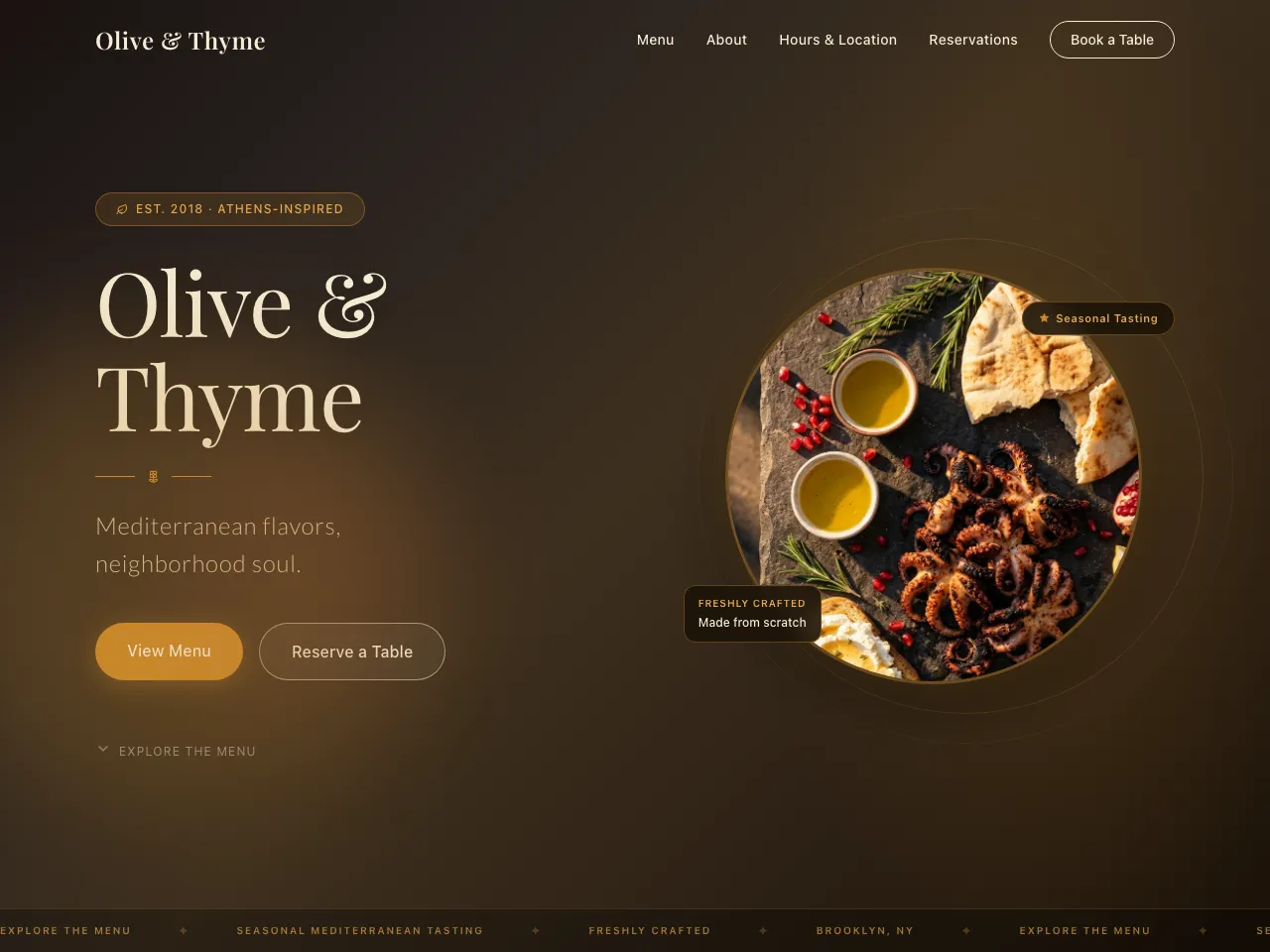
What you get
- Your whole menu as searchable text, not a PDF link. Every dish and price, in your order and wording.
- Today's hours highlighted, the full week, and your address as a map link.
- One real way to reserve: your OpenTable, Resy or Tock link, a call button, or a reservation request form.
- Your own photos and logo from the menu used first. Nothing invented: no fake reviews or dishes.
How it works
- 1Upload your menu as a PDF, Word file or photo.
- 2Snazzlo builds the site, reviews it in a real browser, and shows you a live preview.
- 3Publish it at yourname.snazzlo.com, public or behind a password.
Questions
- What if my menu doesn't list hours or an address?
- Snazzlo leaves clearly labeled slots and asks you for them. It never makes them up.
- How much does it cost?
- There are two prices: building and hosting, and your first site gets both free. Building: $50 of building is free, once, across all your sites; after that you pay only for the changes you ask for, billed on the 1st and never more than a limit you set. Hosting: your first site stays online free with a free snazzlo.com address or your own domain; each extra site is $99 a year or $10 a month, with its own name and no Snazzlo label.
- Can I keep the page private?
- Yes. Any site can be public or behind a password you choose, and you can switch later.
- Can I change it after it's published?
- Yes. Ask for changes in plain words, and republish. Every version is saved, so you can go back to one.